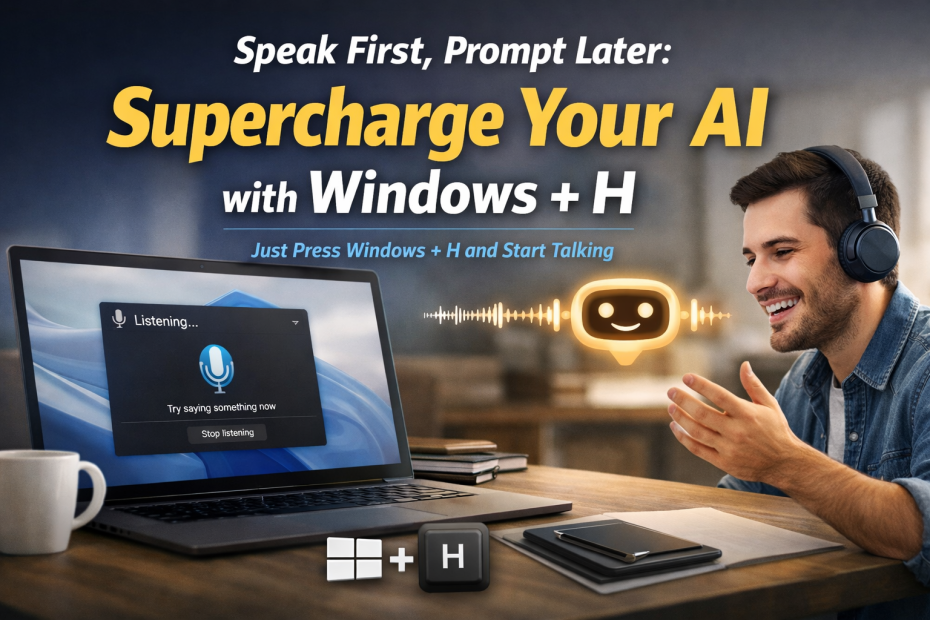
There’s a small Windows shortcut that quietly makes AI tools dramatically better.
It’s Windows Key + H.
Press it and Windows opens a tiny voice typing microphone popup. Start talking and Windows converts your speech into text wherever your cursor happens to be – a document, email, chat – or your favourite AI tool.
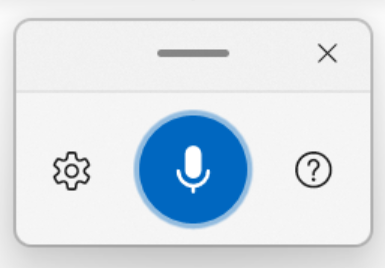
It’s one of those features that’s been sitting in Windows for years while most people completely ignore it.
Which is a shame, because it pairs beautifully with AI.
The Problem With Typed Prompts
When people type prompts into AI tools they tend to do something like this:
“Write a blog post about lavender farming.”
Short. Efficient. Also… not very helpful.
AI generally works better when it has context. The more detail you provide, the better the result.
But typing long prompts is annoying. So most people don’t bother.
Speaking Changes Everything
Now try pressing Windows + H and simply talking to the AI instead.
You might say something like:
“Write a friendly blog post about lavender farming in South Australia. Mention the Barossa Valley and how visitors can experience the farm. Keep the tone relaxed and slightly humorous.”
Without trying very hard, you’ve already given the AI:
- location context
- tone guidance
- audience hints
- topic details
All because speaking naturally produces longer prompts than typing.
It turns out humans are far lazier typists than they are talkers.
Why It Works So Well
Voice prompting improves AI results for three simple reasons:
- You naturally add more detail
- Your tone comes through more clearly
- You think out loud instead of compressing ideas
In other words, you give the AI the sort of explanation you’d give a human.
And AI loves that.
My Favourite Use Cases
The Windows + H trick works especially well for:
- Writing blog post outlines
- Generating social media ideas
- Brain-dumping ideas
- Writing emails faster
- Drafting documentation
You simply talk through what you want and let the AI turn it into something structured.
It feels less like prompting a machine and more like explaining a task to a helpful assistant.
The Slightly Ironic Part
We spend enormous effort trying to engineer the perfect AI prompt.
Then it turns out the best technique might simply be:
Press Windows + H and talk like a normal person.
Sometimes the most powerful productivity hacks are hiding behind the smallest keyboard shortcuts.