
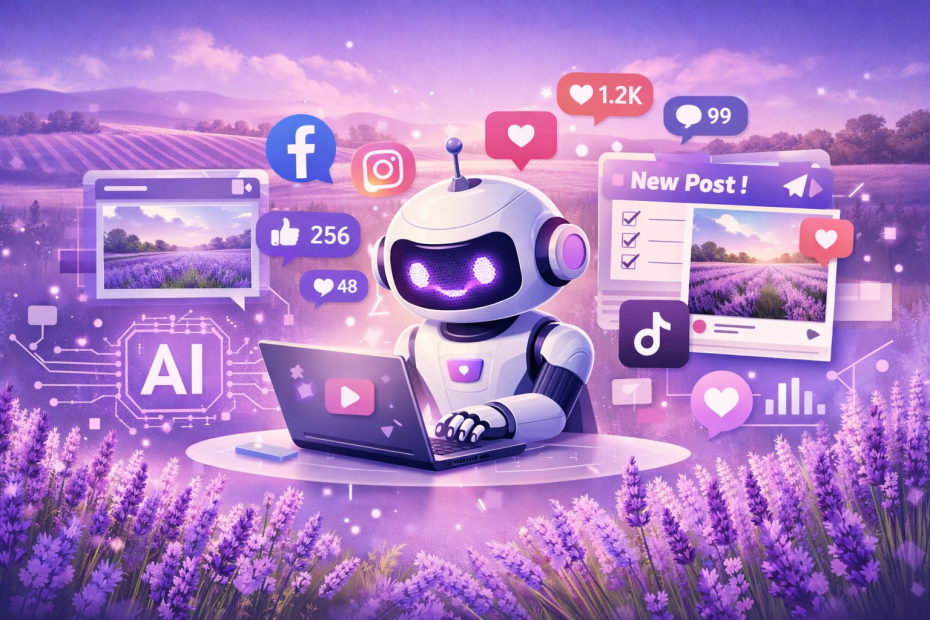
A long time and very dear client, Lesley from Lyndoch Lavender Farm contacted me the other day.
She said:
I’m putting off learning some AI stuff. When I said to my partner I didn’t like it, he said “That’s what people would have said about the telephone, the internet and all sorts of new things.”, 😁 😁 Do you use many new apps/programmes that are free of course, to help you with your day to day stuff?
Let’s just say Lesley has come to the right place! And yes, this question is definitely in my Wheel House!
I use AI daily to help me with programming and general searching of the web. I barely use Google anymore as AI provides that personalised answers that I’m looking for. And these days, it is just as quick as Google without all the damn ads.
I said to her that these are your main choices:
OpenAI / ChatGPT – really good for general AI stuff including image generation – use this one for free. You are limited to only a few chats a day on the free plan, but it can do social posts. e.g. upload a photo of your product and link it to the store page and ask it to create a social post.
Claude – Anthropic’s (who own Facebook) effort – I use this every day for coding. It is focussed towards coders like moi. You didn’t know I spoke French did you?
Gemini – Google’s effort – is much like ChatGPT.
Grok – Elon’s effort. Very right leaning – don’t use Grok.
But how is this helpful? Well, pick one of the products on your shop like my favourite Lavender Seeded Mustard, go to ChatGPT and type this prompt (or something close to it):
Can you make a image for Facebook that I can use as part of a marketing campaign for https://lyndochlavenderfarm.com.au/products/lavender-mustards?variant=3254594699304.
Use a lavender colour background theme with perhaps some mustards leaves and seeds in the image.
And ChatGPT will create an image like this for FREE!
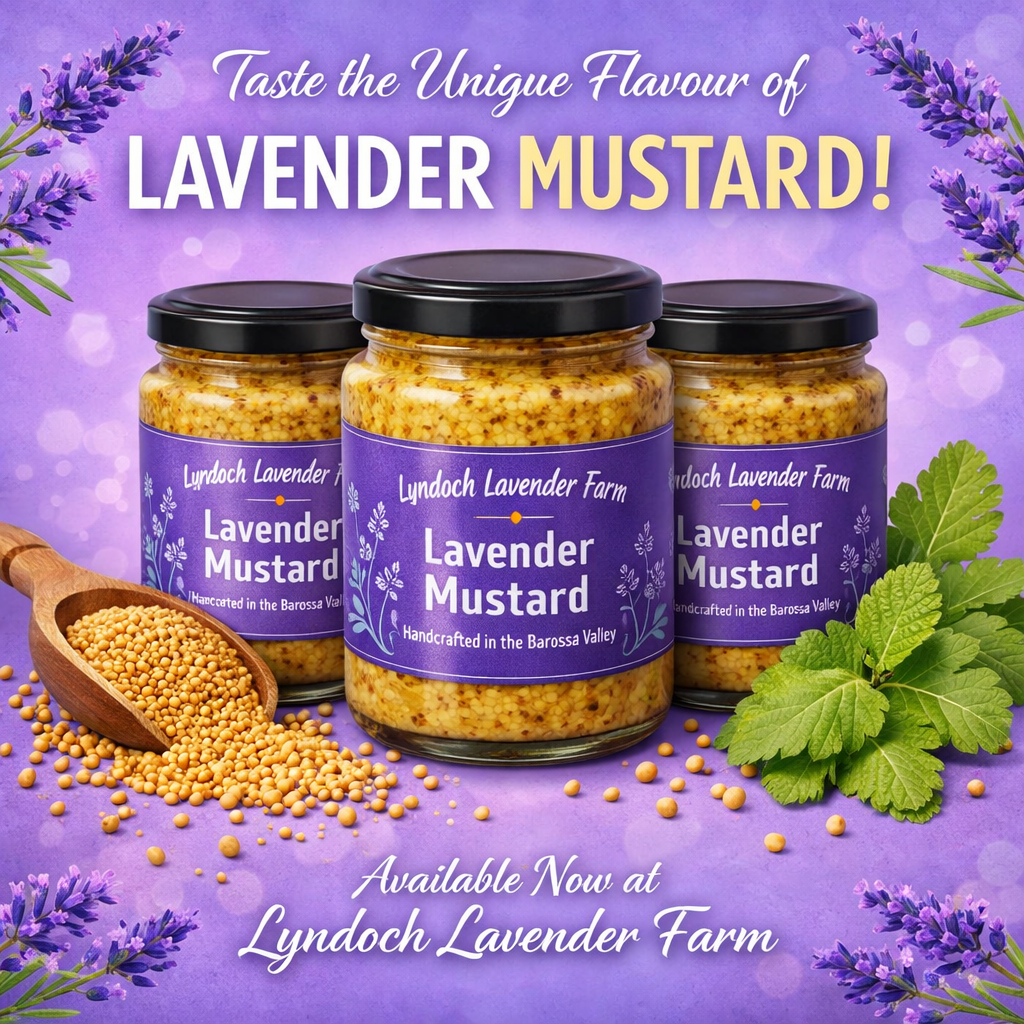
Now that only took about 30 seconds to render. And it is a very nice job. Much better than what image generation was like a few years ago:
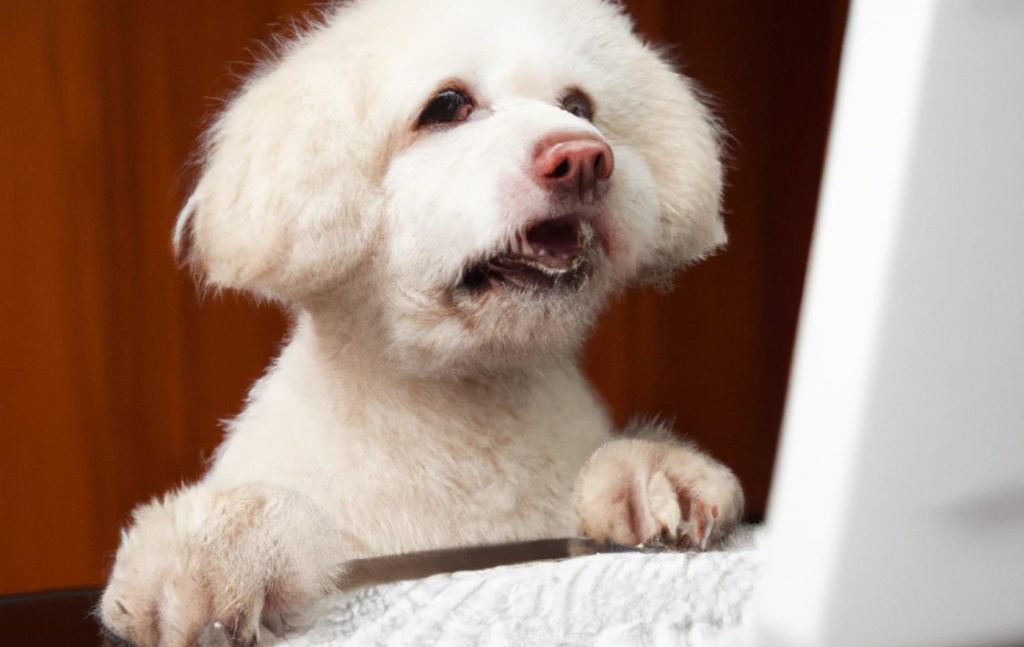
What has improved in 2025 with image generation is that it now gets text mostly right, with correct and consistent spelling. Images are no longer blurry like they used to be years ago, and things like an incorrect number of fingers and toes is a very rare issue.
I tried again with Lesley’s Lavender Lollies:
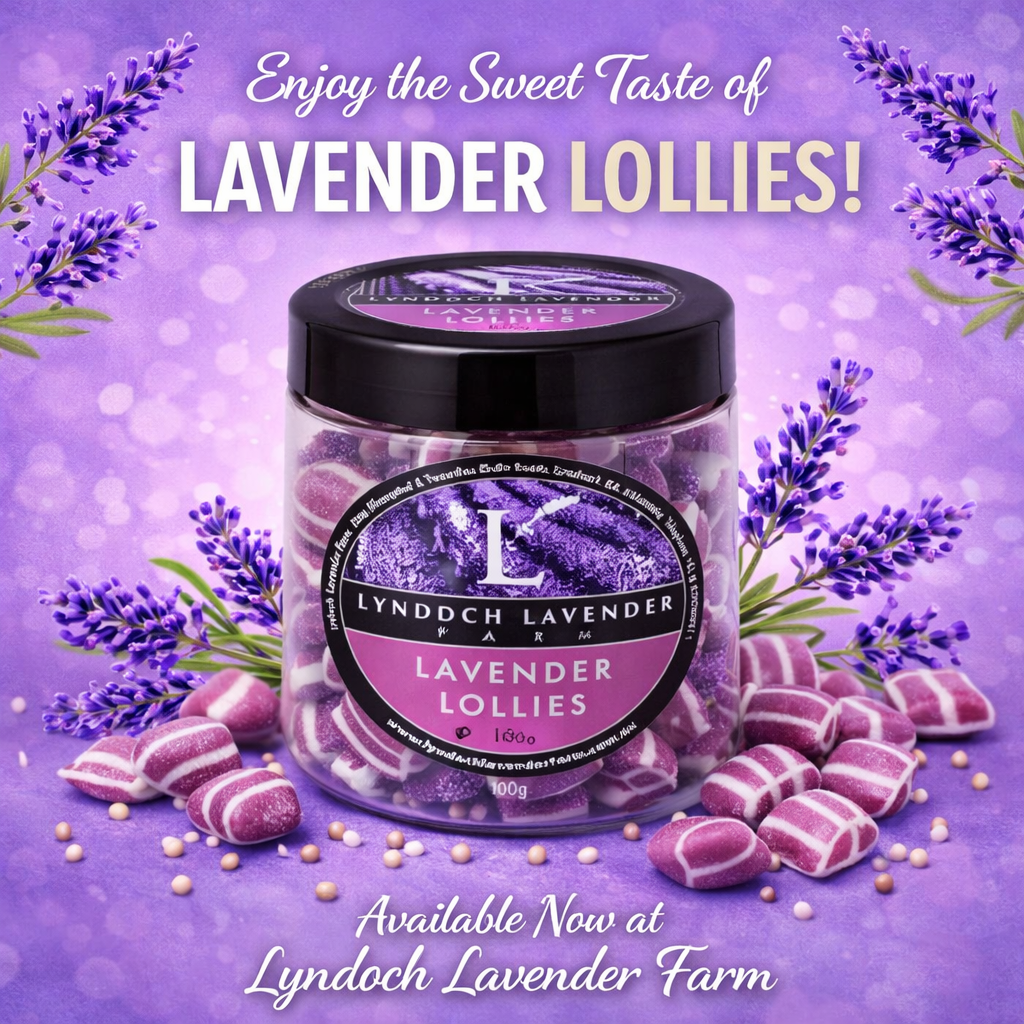
Now that is a pretty good image that you can drop into the Facebook or the Instagram and have a really good social post.
The purple might be a bit bright for some – but you can ask ChatGPT to edit it by toning down the lavender colour for example.
And why not ask ChatGPT to generate the text of the social post for you – based on your shops product description?
Easy As!
Lesley replied with her own effort:
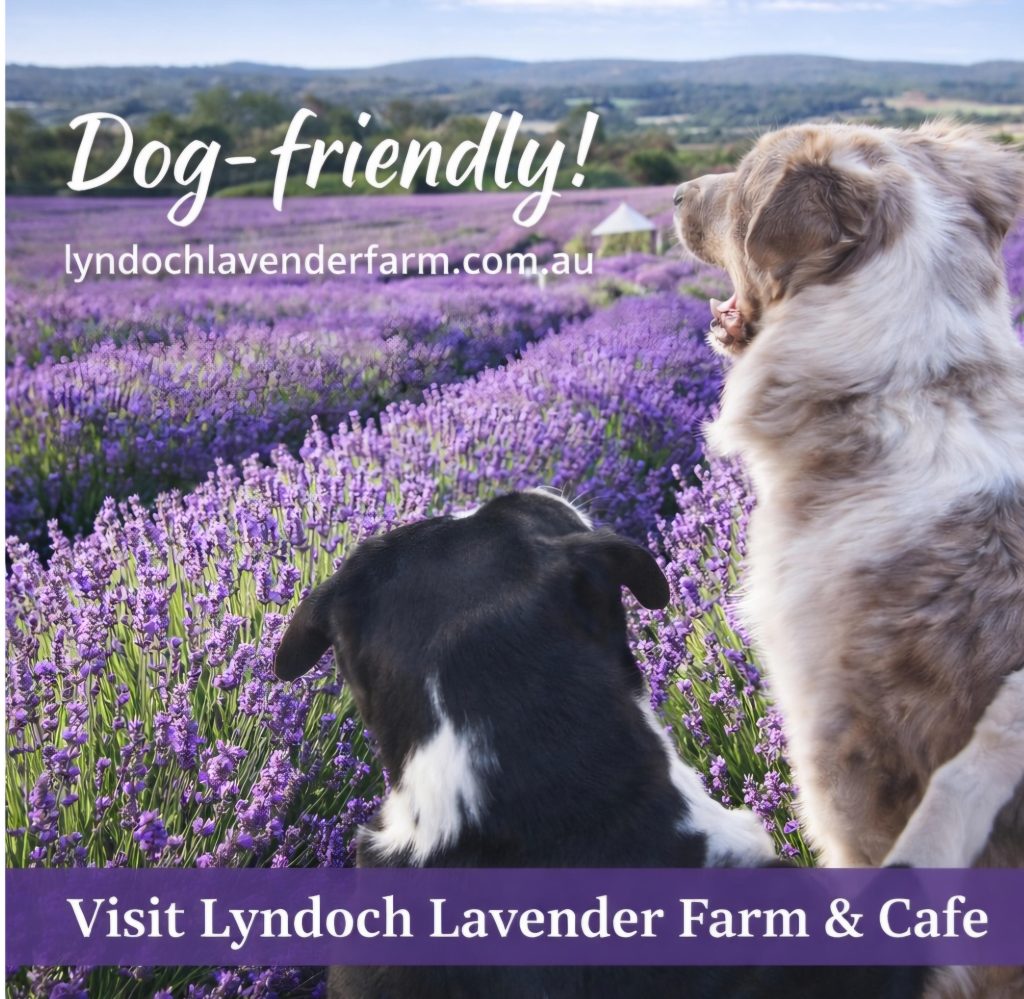
She’s smashing it!
I think I’ve created a monster.